
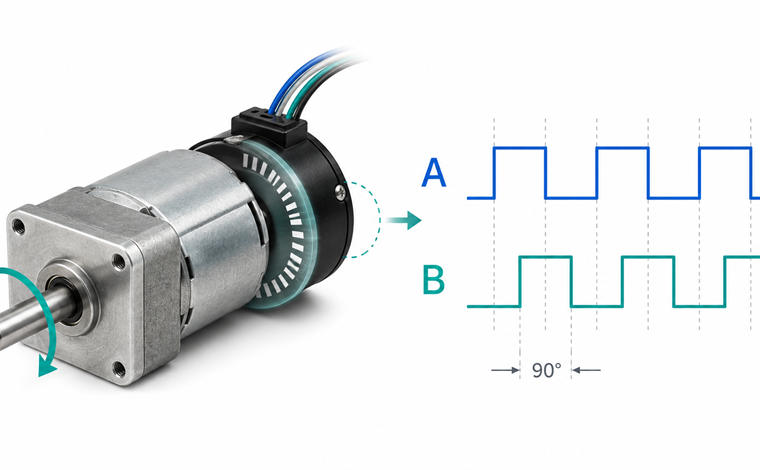
A clear walkthrough of quadrature encoder signals: the A and B channels, the 90 degree phase offset, direction decoding, counts vs CPR, and the wiring basics for reliable closed-loop motor control.
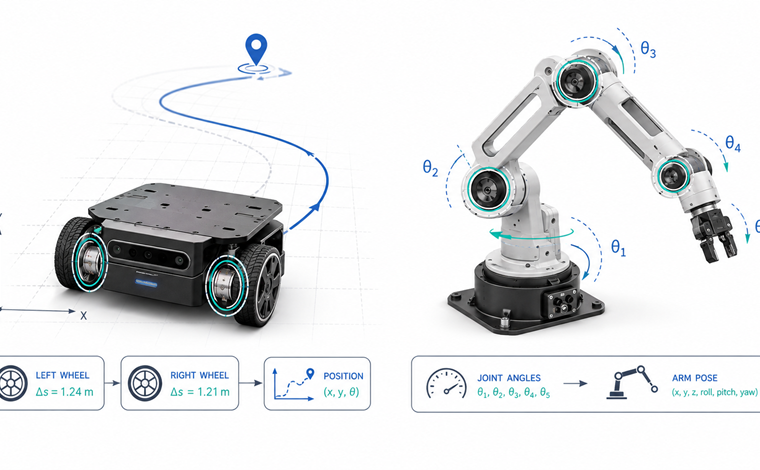
Encoders in Robotics
How robots use encoders in practice: straight-line tracking and odometry on wheeled robots, joint position feedback and inverse kinematics on robotic arms, plus how a motor controller turns encoder counts into closed-loop control.
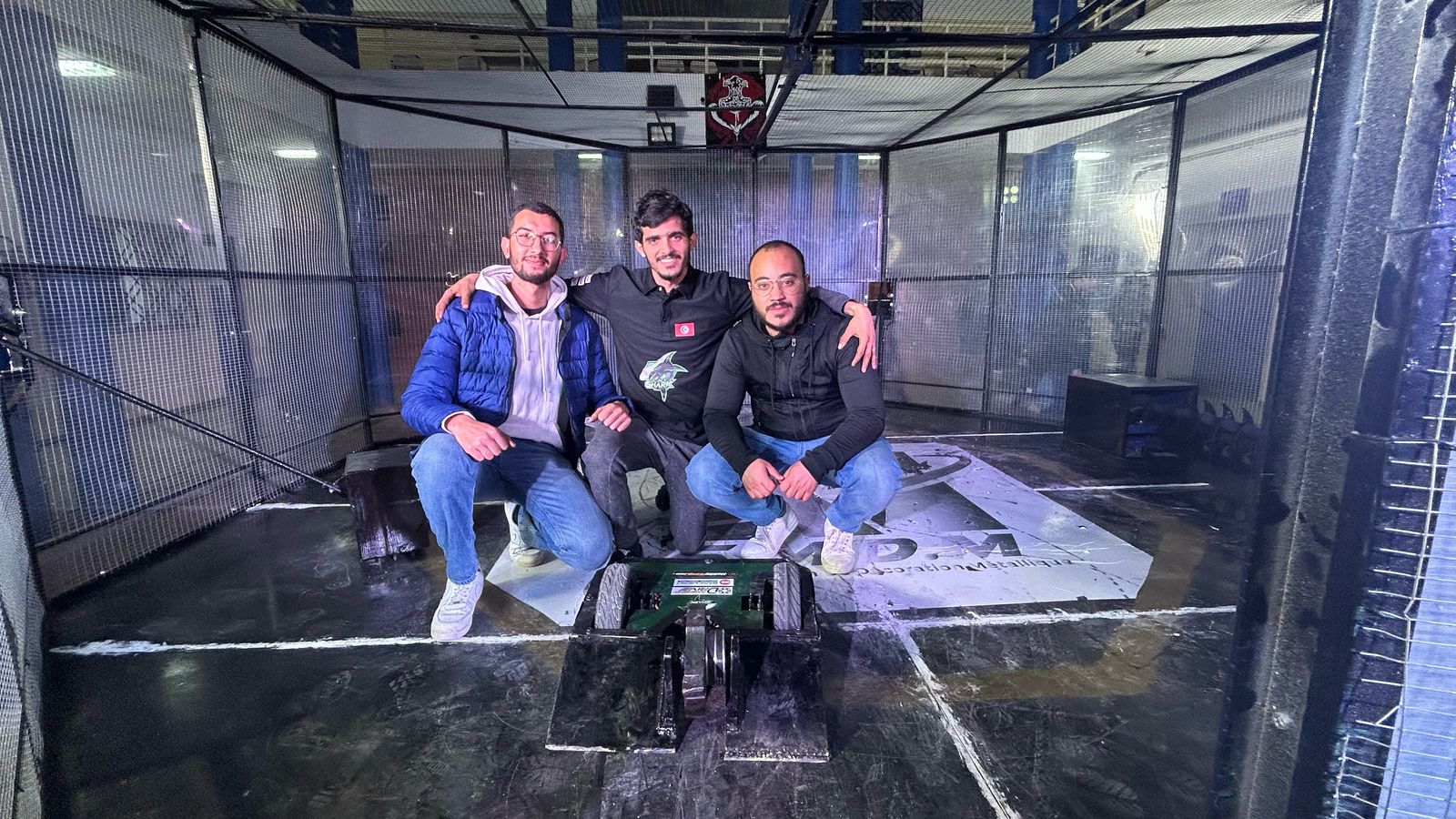
Black Shark Wins ISIMM CYBERBOT V4
Black Shark took first place in the 85kg class at ISIMM CYBERBOT V4, a combat robotics competition hosted by CPU-ISIMM in Monastir, Tunisia. The BasicMicro-sponsored team runs RoboClaw motor controllers in their battle bots.

Black Shark Team Wins All-Terrain Competition at ISGI v3.0
Black Shark took first place in the All-Terrain competition at ISGI v3.0, hosted by Club Robotique ISGI in Sfax, Tunisia. The BasicMicro-sponsored team runs RoboClaw motor controllers in their all-terrain robots.
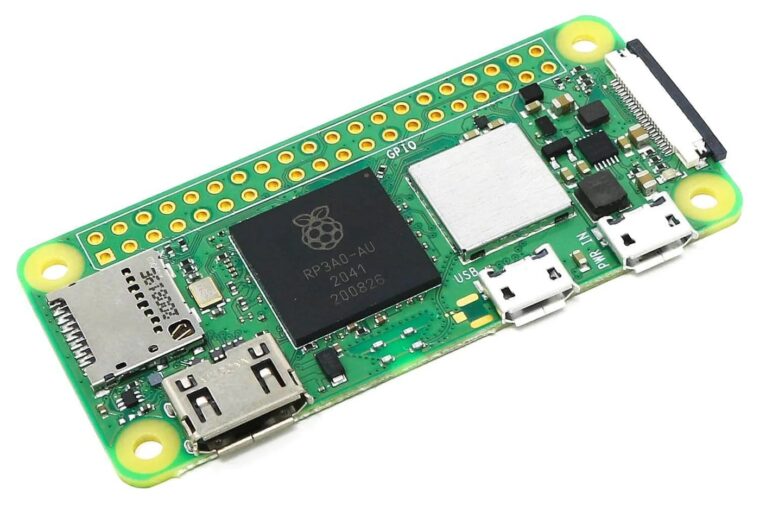
Configuring the Raspberry Pi Zero Serial Port
The Raspberry Pi Zero’s GPIO serial port must be freed from the Linux serial console before it can talk to external hardware. This guide covers the Zero, Zero W, and Zero 2 W, including which UART each model puts on the GPIO header.
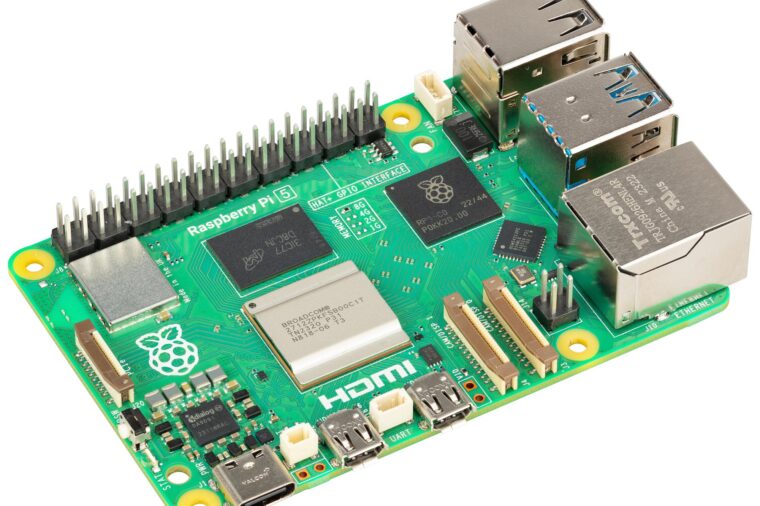
Configuring the Raspberry Pi 5 Serial Port
The Raspberry Pi 5 handles its serial ports differently from earlier models: the Linux console lives on a dedicated debug connector, and the GPIO UART just needs to be enabled. This guide shows how, with raspi-config or a one-line config.txt change.
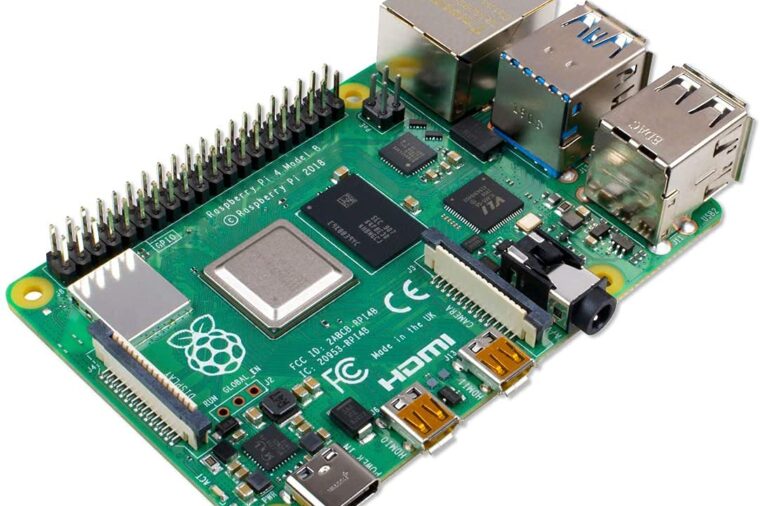
Configuring the Raspberry Pi 4 Serial Port
The Raspberry Pi 4’s GPIO serial port must be freed from the Linux serial console before it can talk to external hardware. This guide shows how to enable the UART and disable the console with raspi-config, plus how the Pi 4’s four extra UARTs fit in.
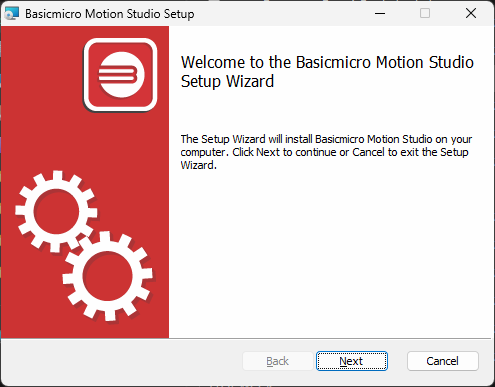
Installing BasicMicro Motion Studio
Motion Studio installs from a single signed setup.exe from the BasicMicro downloads page, with no separate USB driver required on Windows 10 or 11. This guide covers installing the software and connecting a RoboClaw or MCP controller for the first time.
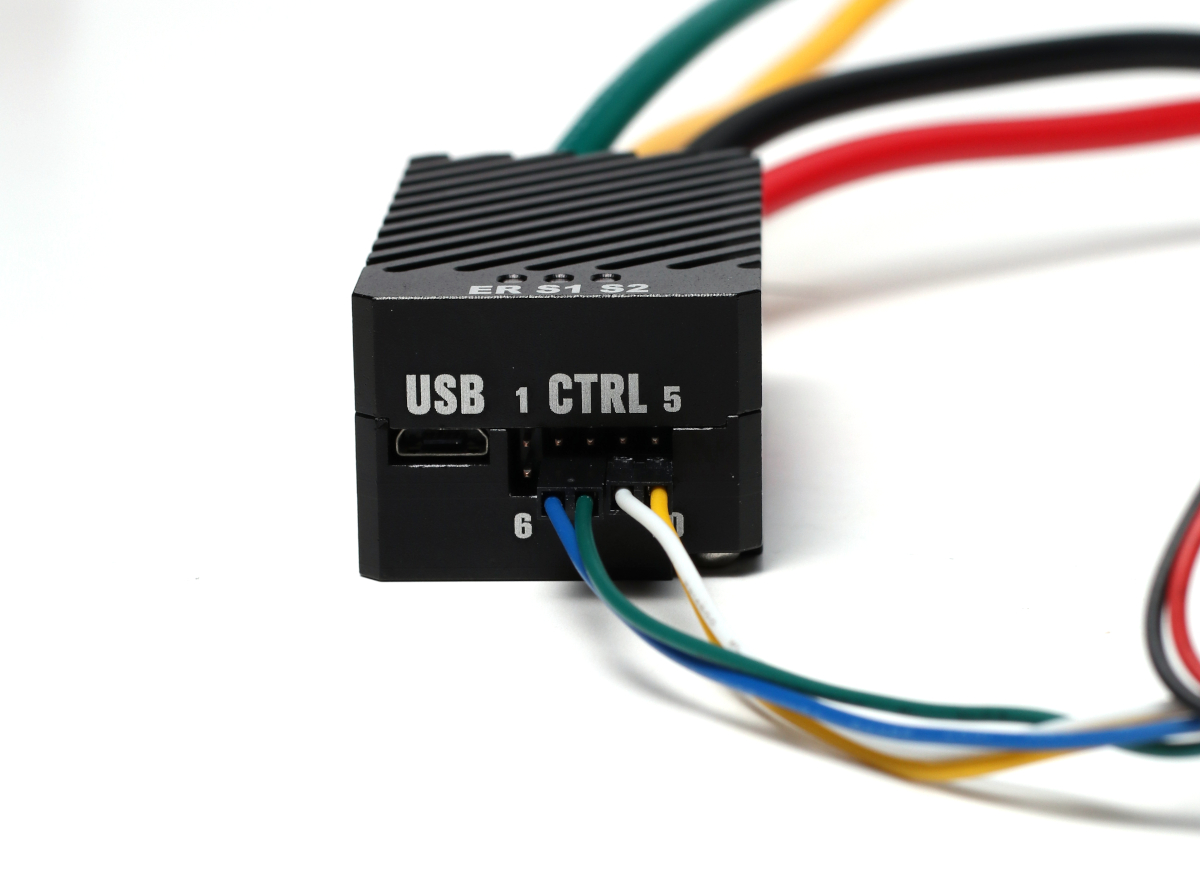
Solo Quick Start Guide
This is a guide to get you up and running quickly with the Solo motor controller.

Case-less Solo Quick Start
How to mount and run the RoboClaw Solo without its case, wire a motor and encoder, and configure packet serial control with Motion Studio.