
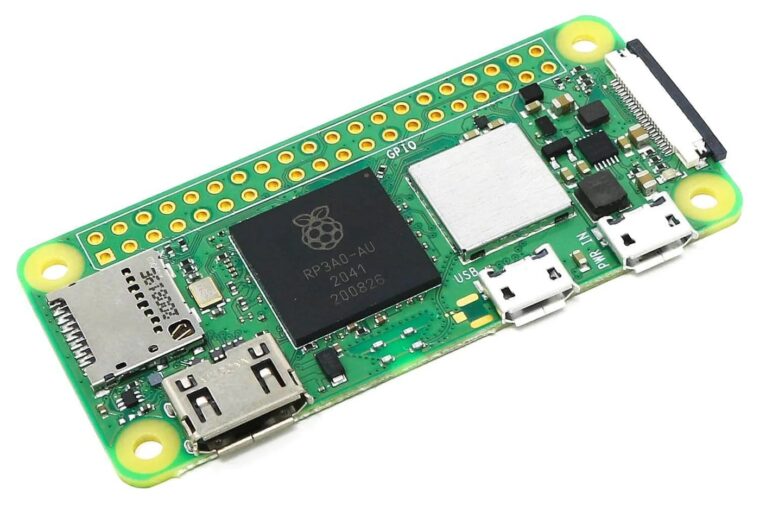
The Raspberry Pi Zero’s GPIO serial port must be freed from the Linux serial console before it can talk to external hardware. This guide covers the Zero, Zero W, and Zero 2 W, including which UART each model puts on the GPIO header.
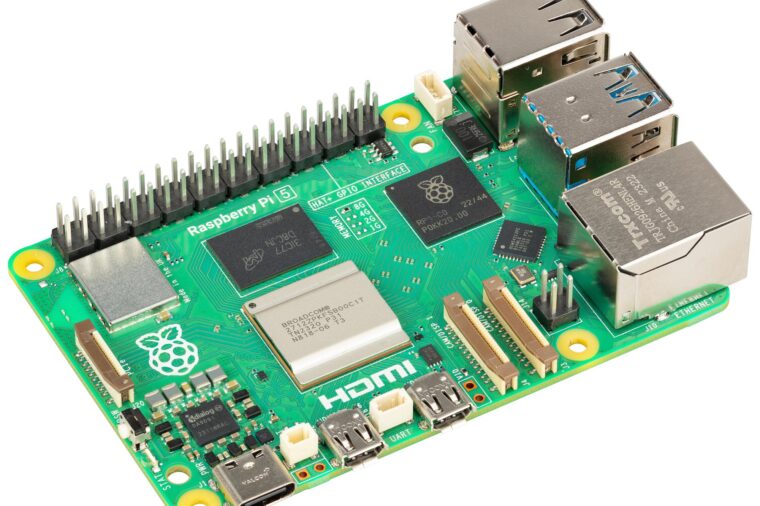
Configuring the Raspberry Pi 5 Serial Port
The Raspberry Pi 5 handles its serial ports differently from earlier models: the Linux console lives on a dedicated debug connector, and the GPIO UART just needs to be enabled. This guide shows how, with raspi-config or a one-line config.txt change.
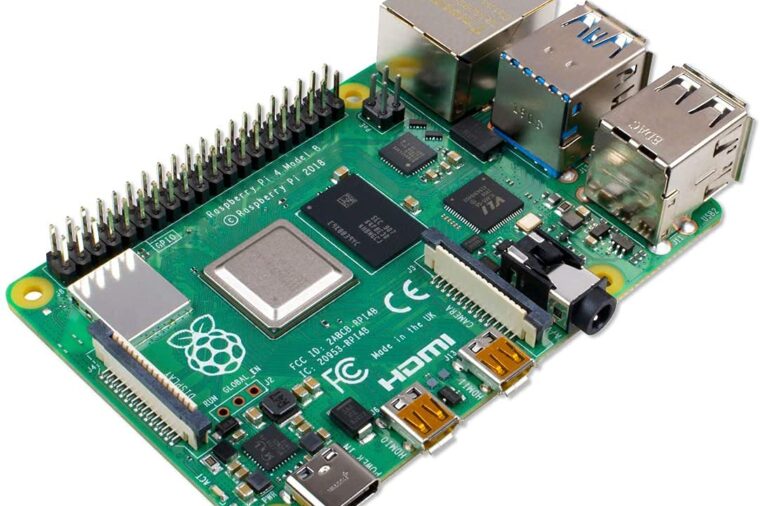
Configuring the Raspberry Pi 4 Serial Port
The Raspberry Pi 4’s GPIO serial port must be freed from the Linux serial console before it can talk to external hardware. This guide shows how to enable the UART and disable the console with raspi-config, plus how the Pi 4’s four extra UARTs fit in.

Packet Serial Bus Operation with the Raspberry Pi 3
Multiple RoboClaws can be used together for projects requiring more than one motor controller. This Application Note demonstrates the control of 4 RoboClaws by a Raspbery Pi using the packet serial control mode of the RoboClaw.

Standard Serial Bus with the Raspberry Pi 3
Multiple RoboClaw’s can be used simultaneously when controlled by a microcontroller or computer. The Raspberry Pi is one suitable choice. This Application Note covers using a Raspberry Pi 3 to control 4 RoboClaws in standard serial mode.

Standard Serial with the Raspberry Pi 3
This Application Note details how to operate the RoboClaw in standard serial mode using a Raspberry Pi 3. In standard serial mode the RoboClaw accepts single byte commands that control the operation of both motor channels.

Packet Serial with the Raspberry Pi 3
In this Application Note a Raspberry Pi is used to control a RoboClaw in packet serial mode. In packet serial mode the Raspberry Pi can send commands to the RoboClaw as well as read data from the it.

Configuring the Raspberry Pi 3 Serial Port
The Raspberry Pi 3’s GPIO serial port must be freed from the Linux serial console before it can talk to external hardware. This guide shows how to enable the UART and disable the console with raspi-config, or by editing the boot configuration manually.