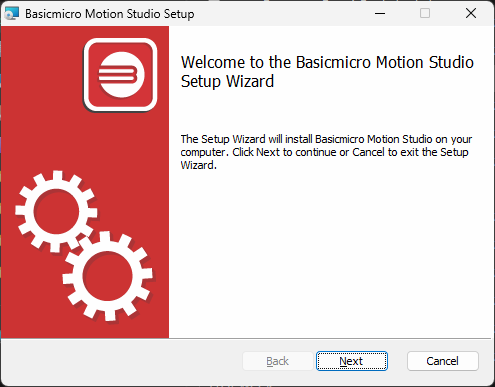
Motion Studio installs from a single signed setup.exe from the BasicMicro downloads page, with no separate USB driver required on Windows 10 or 11. This guide covers installing the software and connecting a RoboClaw or MCP controller for the first time.
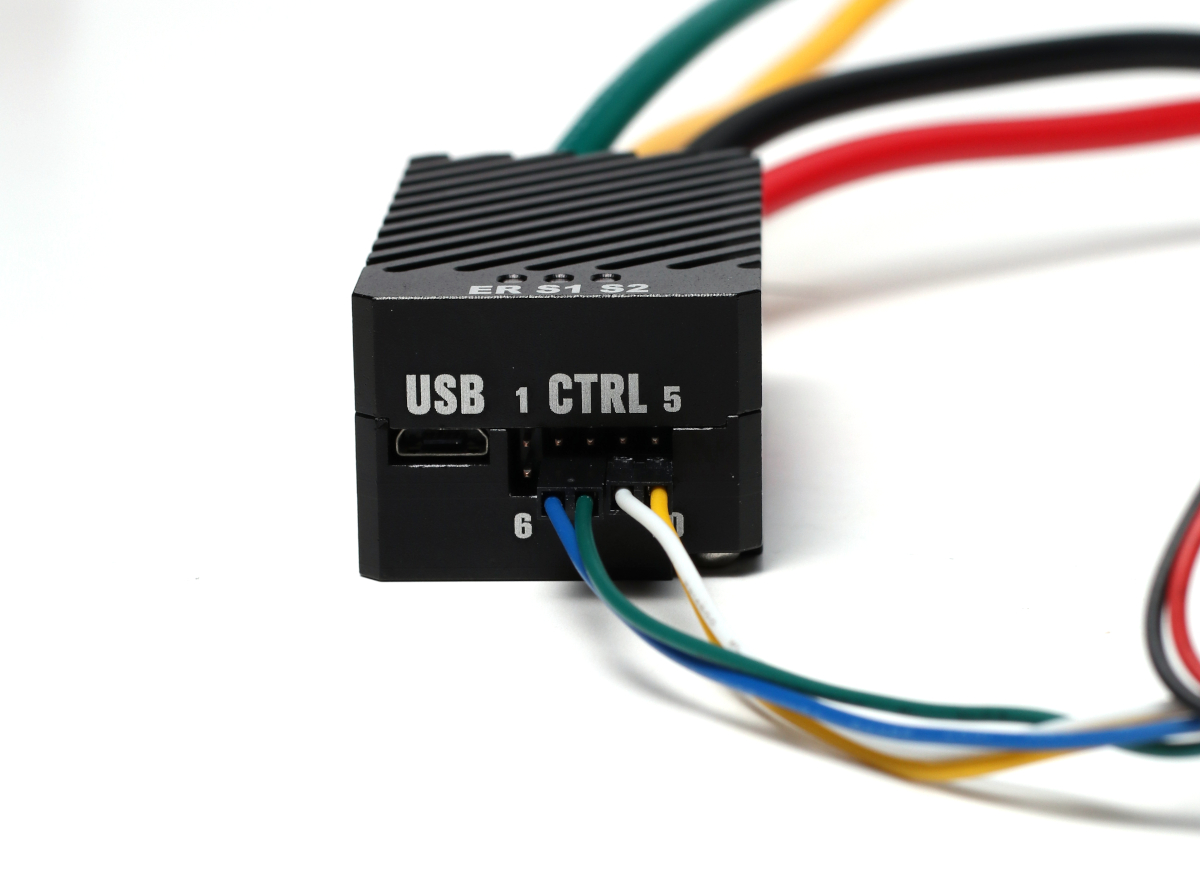
Solo Quick Start Guide
This is a guide to get you up and running quickly with the Solo motor controller.

Case-less Solo Quick Start
How to mount and run the RoboClaw Solo without its case, wire a motor and encoder, and configure packet serial control with Motion Studio.
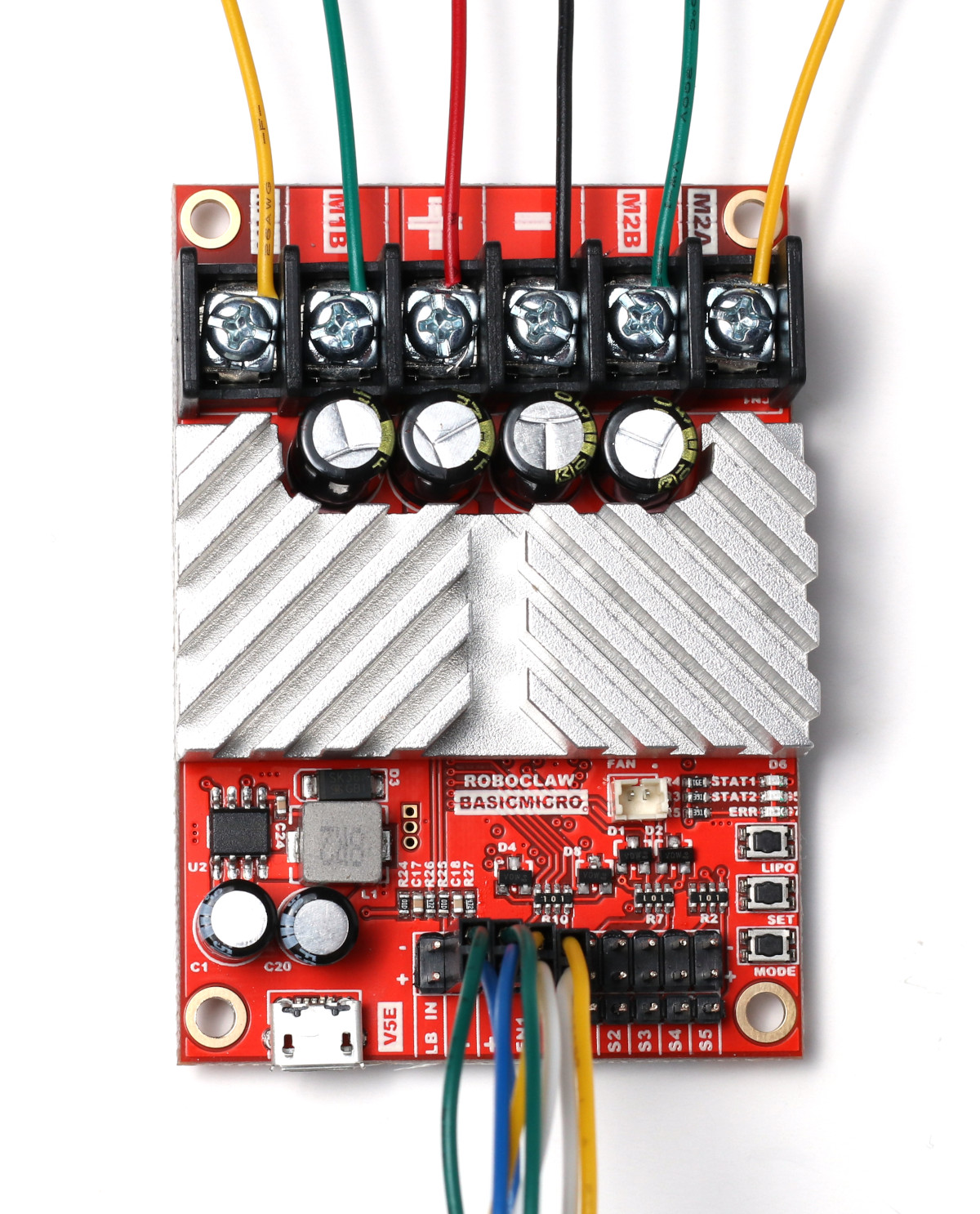
Dual Channel RoboClaw Quick Start Guide
Get up and running quickly with any dual channel RoboClaw: wire the motors, encoders, and power, test in Motion Studio, and set the control mode.

Installing BasicMicro Libraries and Downloading Code from GitHub
How to install BasicMicro’s three official libraries: the Arduino library through the Library Manager, the Python library with pip, and the ROS 2 driver with its install script, plus how to download example code from GitHub as a ZIP file.

RC Mode Configuration with Buttons
How to configure the RC mode of a RoboClaw with the onboard buttons found on older (V5 and earlier) hardware: wiring the motors, receiver, and power, setting the mode with the button sequence, and testing.

Saving and Restoring RoboClaw Configurations
A RoboClaw’s configuration can be saved and loaded from a file. This Application Note looks at how to do this.
Motor Controller Selection
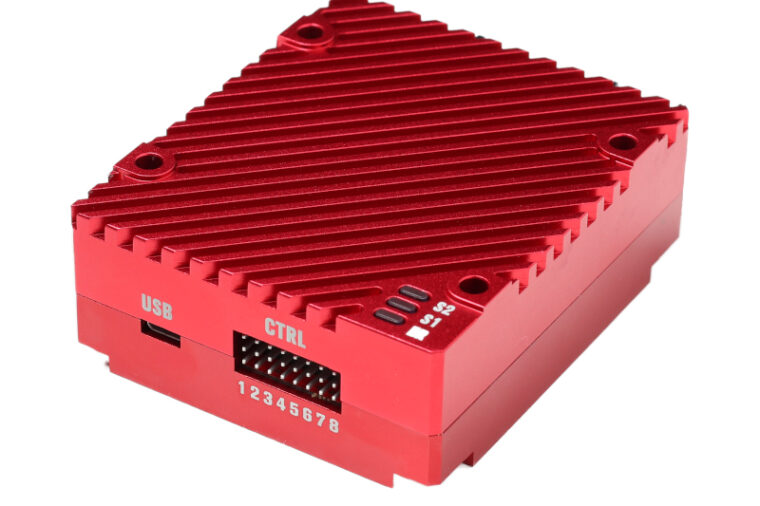
The three motor specifications that determine the right motor controller: voltage, running current, and stall current, plus how to estimate stall current and size a RoboClaw around it.
Motor Controller Protection: Diodes, Clamps, and Pre-Charge Resistors
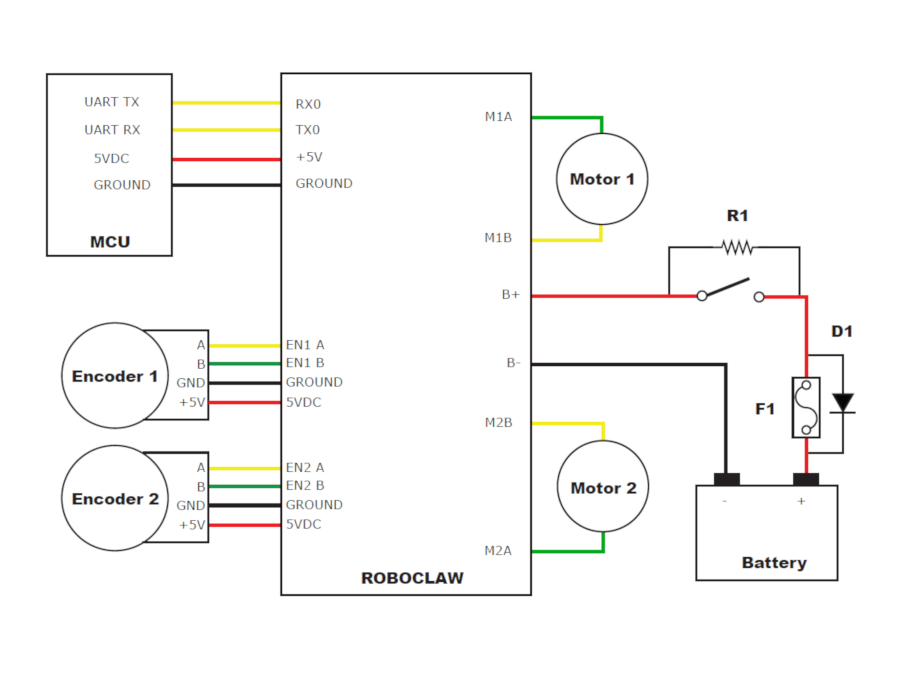
Motors generate a regenerative voltage spike when they stop or slow quickly, which can damage a motor controller. This guide covers how to protect a controller with a bypass diode, a voltage clamp, a pre-charge resistor, and the maximum voltage setting.
Auto Tuning with Motion Studio
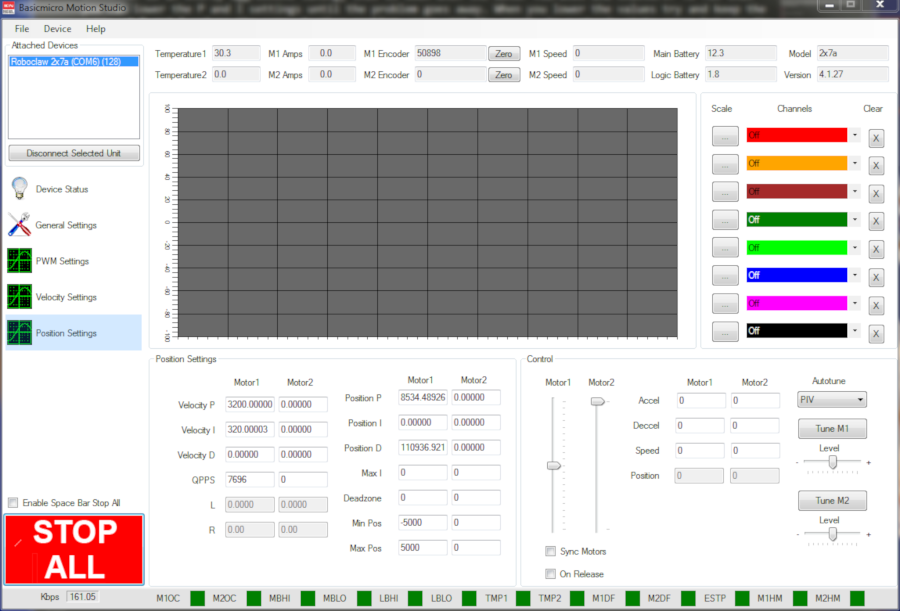
In systems with a PID controller, the proportional, integral, and derivative values must be set properly for the controller to work well. Motion Studio can tune these values automatically for a motor and encoder combination. This guide covers auto tuning velocity and position control and fine tuning the results.