
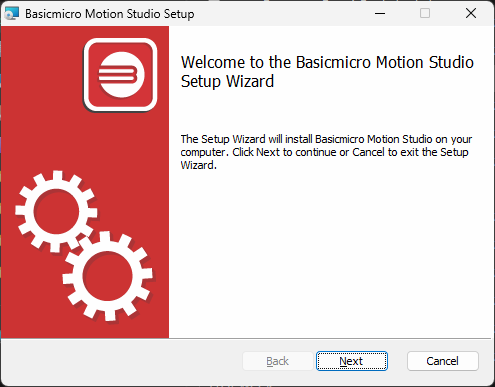
Motion Studio installs from a single signed setup.exe from the BasicMicro downloads page, with no separate USB driver required on Windows 10 or 11. This guide covers installing the software and connecting a RoboClaw or MCP controller for the first time.
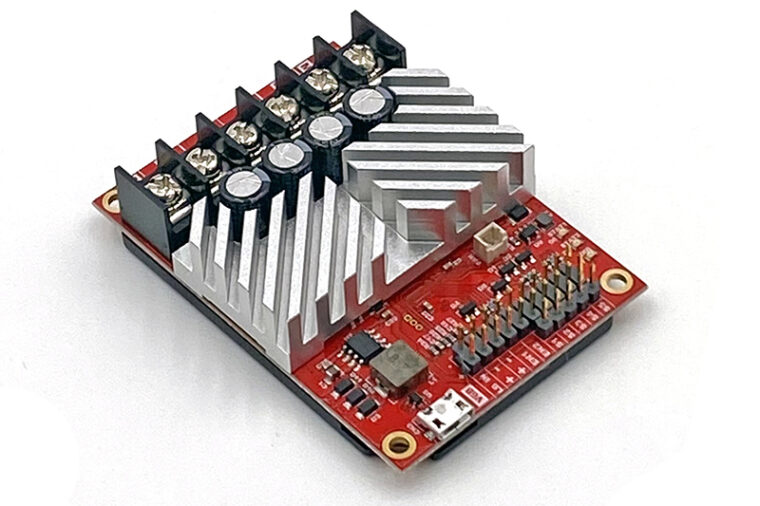
RoboClaw Quick Start Guide
A quick start guide for all RoboClaw motor controllers: wire the motors and encoders, connect power, test with Motion Studio, and set the control mode.

Installing BasicMicro Libraries and Downloading Code from GitHub
How to install BasicMicro’s three official libraries: the Arduino library through the Library Manager, the Python library with pip, and the ROS 2 driver with its install script, plus how to download example code from GitHub as a ZIP file.
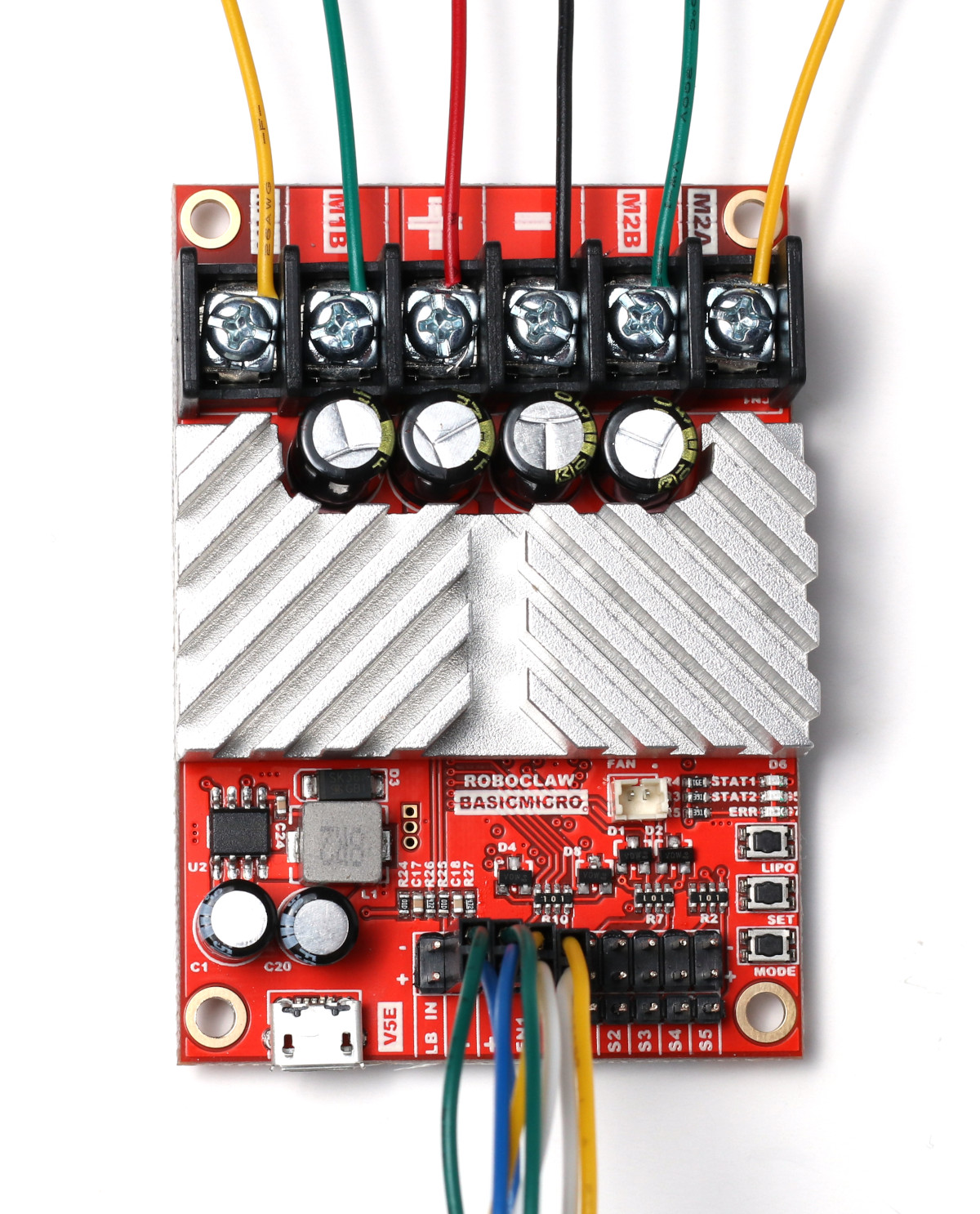
Dual Channel RoboClaw Quick Start Guide
Get up and running quickly with any dual channel RoboClaw: wire the motors, encoders, and power, test in Motion Studio, and set the control mode.
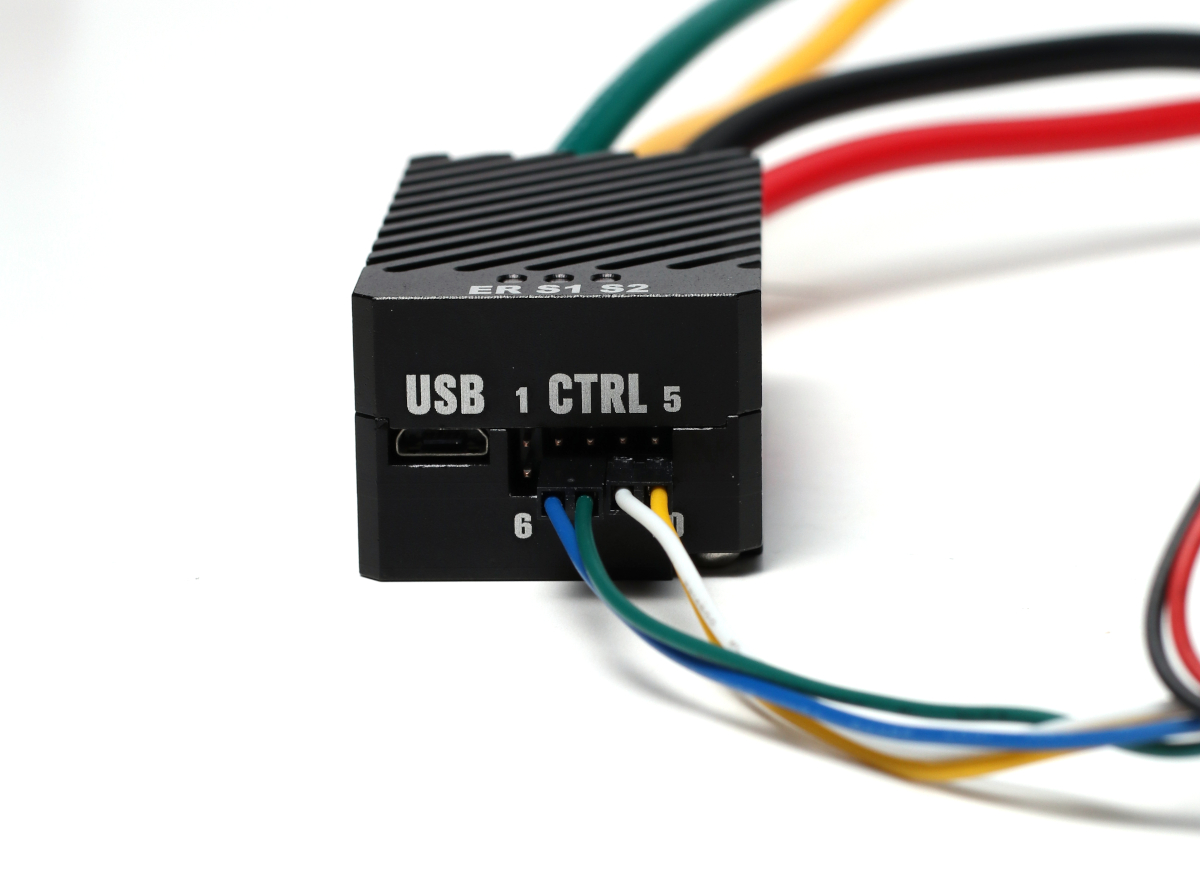
Solo Quick Start Guide
This is a guide to get you up and running quickly with the Solo motor controller.
Using the RoboClaw Python Library
The RoboClaw Python library is now the Basicmicro Python library, installed with pip install basicmicro. This guide covers installing it, the pattern for using it in a script, a complete working example, and a reference for the most commonly used functions.
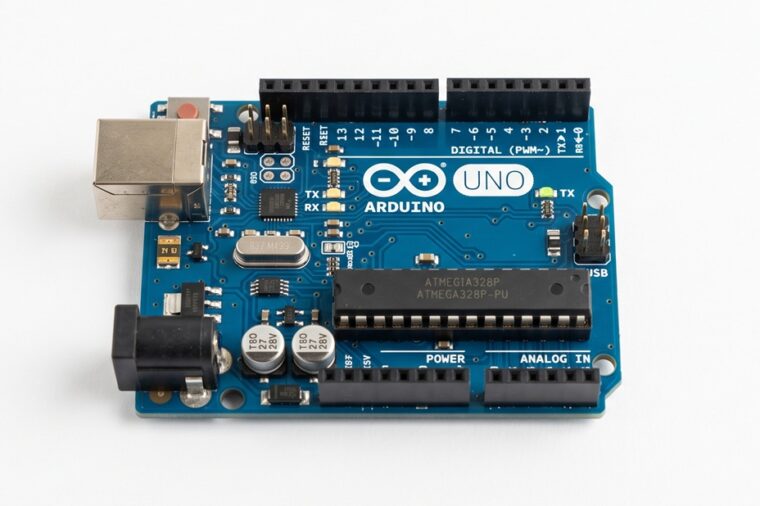
Using the RoboClaw Arduino Library
The RoboClaw Arduino library is now the Basicmicro Arduino library, available in the Arduino Library Manager. This article covers installing the library, the pattern every sketch follows, and the most commonly used functions for controlling RoboClaw and MCP motor controllers.
Using Encoders with the Arduino Library
This application note covers using the Basicmicro Arduino library to read, set, and reset the encoders attached to a RoboClaw motor controller, with a complete example sketch demonstrating every encoder function.
Using Encoders with the Python Library
This application note covers using the Basicmicro Python library to read, set, and reset the encoders attached to a RoboClaw motor controller from a Raspberry Pi 3, 4, 5, or Zero, with pip install instructions and a complete example script.
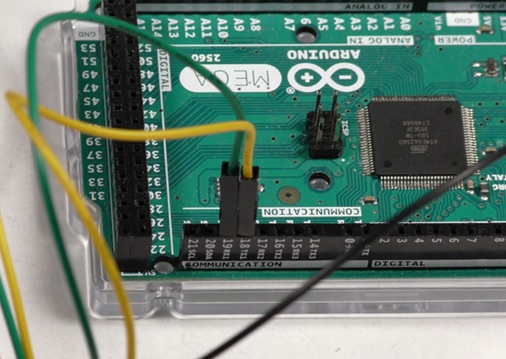
Using Hardware Serial with the RoboClaw Arduino Library
When using serial communication with an Arduino there are two implementations available. This application note covers using hardware serial with the Basicmicro Arduino library to communicate with a RoboClaw, and why it is usually the better choice.