
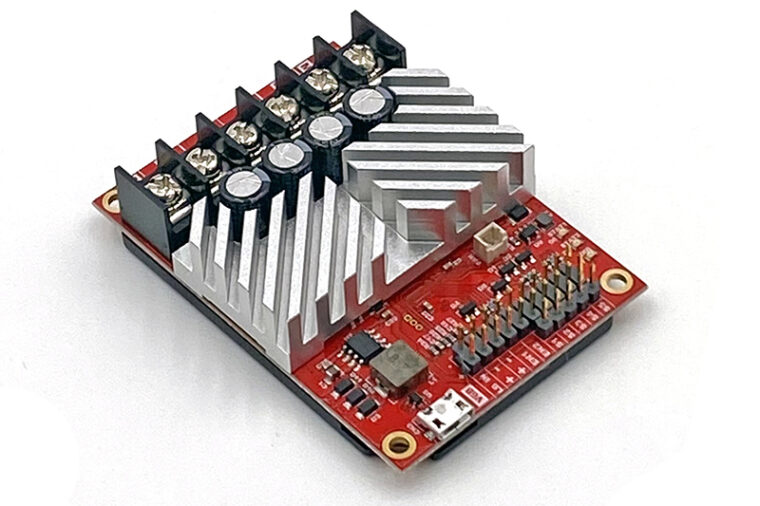
A quick start guide for all RoboClaw motor controllers: wire the motors and encoders, connect power, test with Motion Studio, and set the control mode.

Combat Robot RC Setup
Set up a RoboClaw motor controller for combat robot RC control: choose single stick (arcade) or dual stick (tank) driving, wire the receiver, configure RC mode in Motion Studio, and test the battle bot.

RC Mode Configuration with Buttons
How to configure the RC mode of a RoboClaw with the onboard buttons found on older (V5 and earlier) hardware: wiring the motors, receiver, and power, setting the mode with the button sequence, and testing.
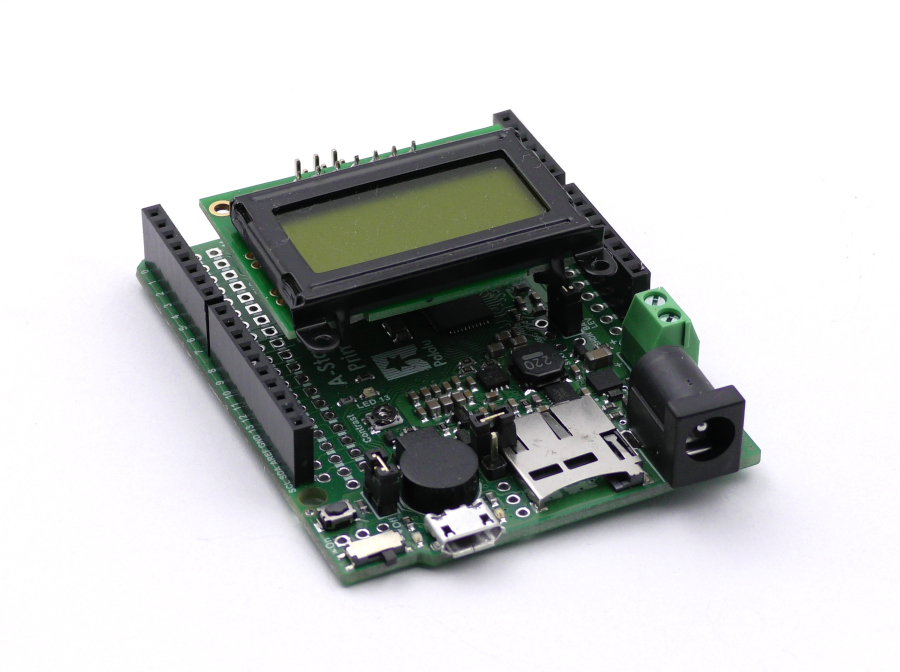
RoboClaw Encoders and the A-Star LCD
Read encoder counts from a RoboClaw motor controller with a Pololu A-Star 32U4 Prime and display them on its LCD. Covers wiring, Motion Studio setup, and a complete Basicmicro Arduino sketch.

ESP8266 Advanced Control of RoboClaw
This Application Note covers using AJAX functionality to build a web interface for wireless control of a RoboClaw via the esp8266.

Saving and Restoring RoboClaw Configurations
A RoboClaw’s configuration can be saved and loaded from a file. This Application Note looks at how to do this.

Robotic Lawnmower Build
This Customer Project article takes a look at a nicely polished robotic lawnmower build.

Calibrating Motor Controller Voltage Readings
In some cases the voltage read by a motor controller will need to be calibrated to match the actual power supply voltage. This Application Note covers the process of doing so.

ESP8266 Wireless Control of RoboClaw
The poular esp8266 wifi board can be used to wirelessly control a RoboClaw motor controller. This App Note provides example code and covers configuring everything needed.

Limit and Home Switches with RoboClaw
Limit and home switches can be used to stop motors automatically for safety and functional reasons. This Application Note details the limit and home switch features of the RoboClaw motor controller.