

RoboClaw validates every packet serial command and response with a CRC16 checksum. Learn how the cyclic redundancy check works, which CRC16 variant RoboClaw uses, and how to calculate it in C, Python, and C#.
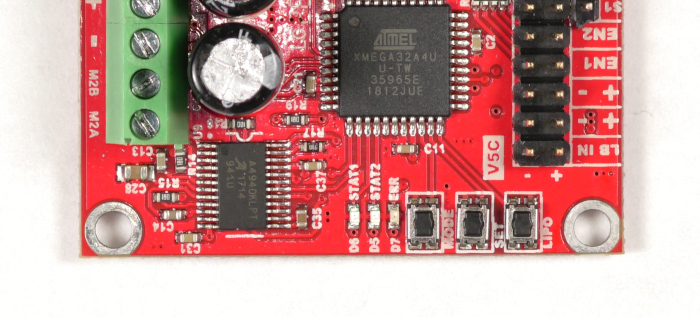
Using Buttons to Configure a RoboClaw
How to configure control mode, mode options, and battery cutoff settings on RoboClaw hardware revisions V5 and under using the onboard MODE, SET, and LIPO buttons, no computer required.
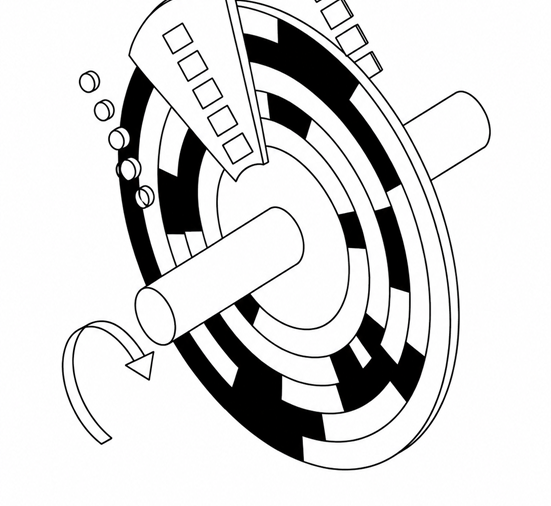
Encoders Explained
Encoders give motor controllers the feedback needed for closed-loop speed and position control. Learn how incremental (quadrature) and absolute encoders work, how they differ, and which to choose for your project.

Simple Arduino Control of the RoboClaw
How to control a RoboClaw motor controller from an Arduino over packet serial: wiring, Motion Studio configuration, and an example sketch using the Basicmicro Arduino library.

RoboClaw Advanced RC Options
The RoboClaw allows for simple and direct control with an RC system, yet there are options that allow for more fine grained control of your system. In this article we’ll be discussing these point by point.

RoboClaw USB Driver Manual Installation
This deprecated article covers manually installing the RoboClaw USB driver on Windows. Drivers are included in the Motion Studio installer, so this procedure is only needed if Windows does not recognize your controller over USB.
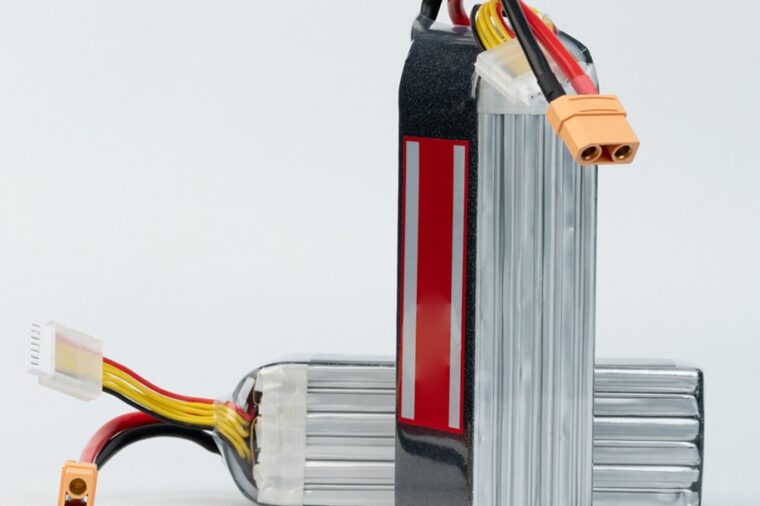
Configuring RoboClaw Battery Settings
How to configure RoboClaw battery voltage limits in Motion Studio using manual, cell count, or auto mode to protect your batteries from under and over voltage.

RoboClaw RC Controlled Differential Drive Setup
Set up a differential drive robot with a RoboClaw motor controller and an RC radio system: wire power and motors, connect the receiver, enable RC mode with mixing in Motion Studio, and test both channels.

RoboClaw Technologies
The RoboClaw motor controllers incorporate several key technologies. This article is design as a quick overview of some of these technologies.