

Motion Studio feature the ability to graph different aspects of a motor, encoder and the controller against each other in real time. This Application Note covers the use of this feature.

Position Settings in Motion Studio
The Position Settings window of Motion Studio is where the control loop for positon control is tuned and tested. This Application Note covers the controls and settings of this widow and what they are used for.

Velocity Settings in Motion Studio
The Velocity Settings window in Motion Studio is where motors and encoder are tested. It’s also the location where tuning of motor and encoder combinations is carried out. This Application Note details all of the functionality within this section of Motion Studio.

PWM Settings in Motion Studio
This App Note is part of a series on the usage and features of Motion Studio. This article covers the PWM Settings window that is used for motor and encoder testing.
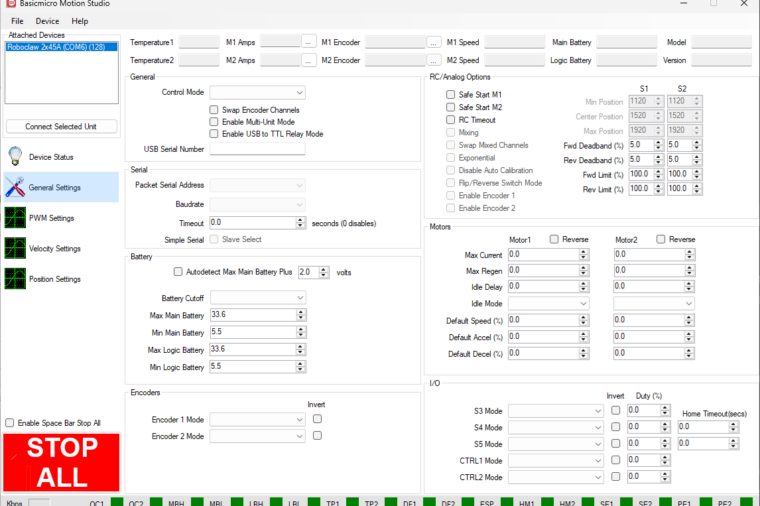
General Settings in Motion Studio
BasicMicro Motion Studio can be used to configure every aspect of the RoboClaw motor controller, and most settings live on the General Settings screen. This guide breaks down all seven panes, General, Serial, Battery, Encoders, RC/Analog Options, Motors, and I/O, and explains what every setting does.
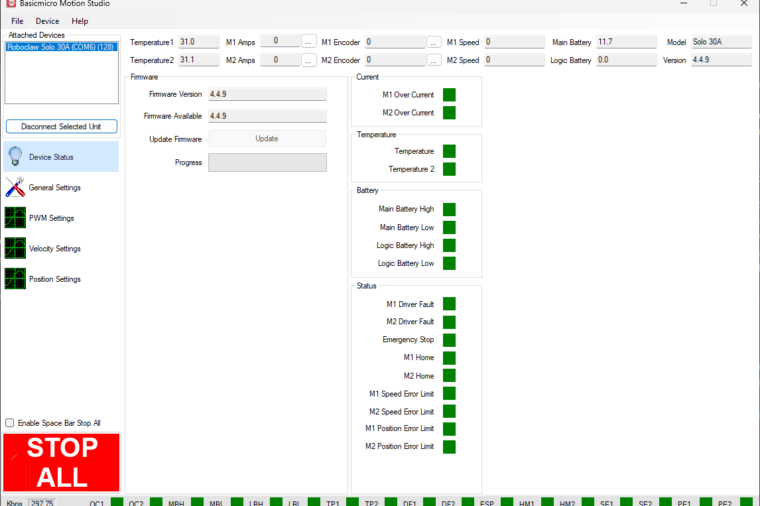
Introduction to Motion Studio
An introduction to BasicMicro Motion Studio, the Windows application used to configure, test and tune RoboClaw and MCP series motor controllers. The first article in a series, covering the layout and the most common operations.
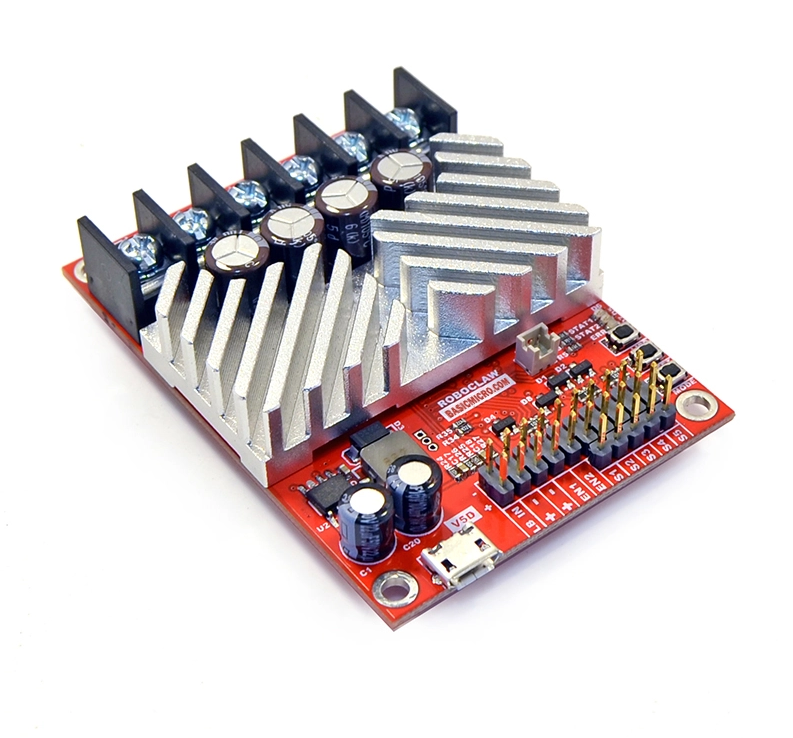
RoboClaw Basics
A broad overview of the RoboClaw motor controller: board layout, features, usage basics, and the voltage, current, and temperature limits that apply across all models.
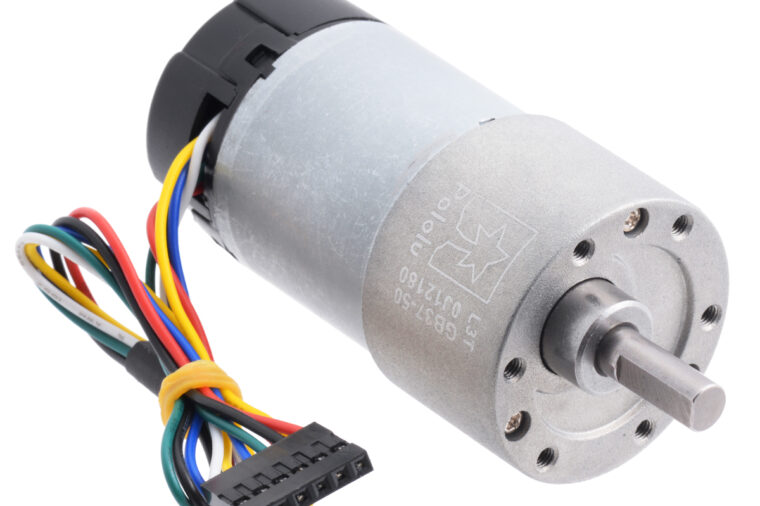
Pololu Encoder Wiring
Encoders allow the RoboClaw to provide accurate and consistent speed and position control of motors. In this Application Note we’ll be wiring a common motor and encoder combination to the RoboClaw.
Selecting the Proper Battery
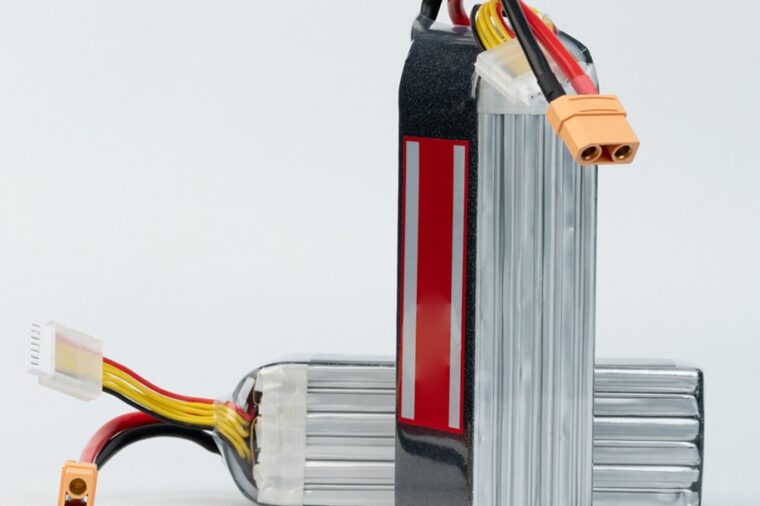
How to choose a battery for a robotics project: compare LiPO, LiFePO4, and lead acid chemistries by voltage, capacity, and C rating to match your robot’s power and run time needs.

RoboClaw Battery Eliminator Circuit (BEC)
Every RoboClaw includes a built-in 5V Battery Eliminator Circuit (BEC) that powers the controller’s logic and external components like microcontrollers, receivers, and encoders from a single battery.