

There are many control schemes available with the RoboClaw. One of the simplest control schemes is analog control. Analog control allows for an analog voltage to control motor speed and direction.
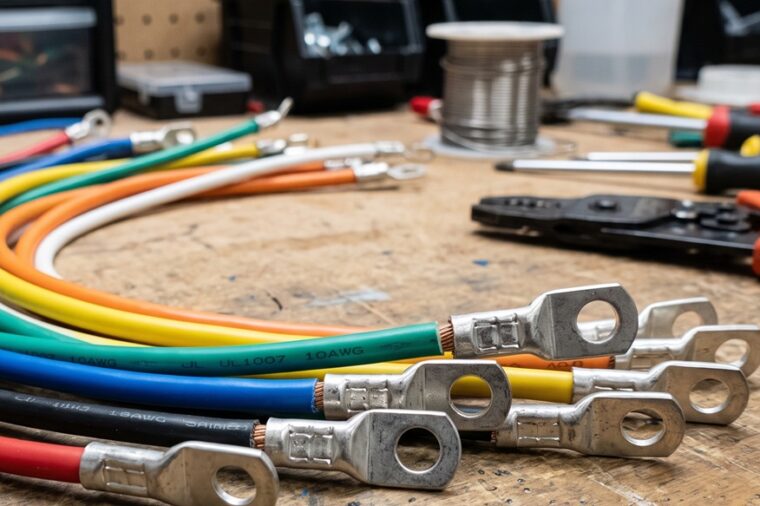
Proper Wire Termination
Wire termination can be a source of problems or a source of reliability depending on how it is done. Learn the right ways to terminate wires for BasicMicro motor controllers: crimp ring and spade terminals, wire ferrules, tinning, and the correct bare-wire technique for screw terminals.
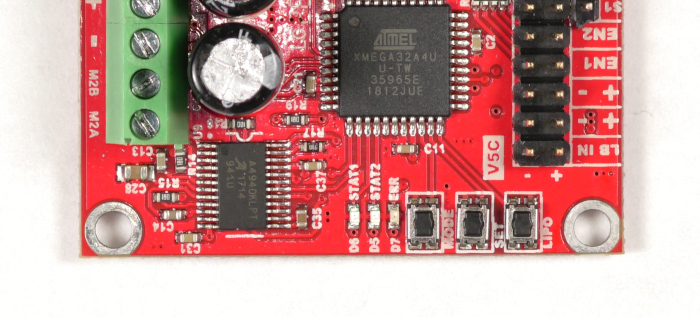
Using Buttons to Configure a RoboClaw
How to configure control mode, mode options, and battery cutoff settings on RoboClaw hardware revisions V5 and under using the onboard MODE, SET, and LIPO buttons, no computer required.

RoboClaw USB Driver Manual Installation
This deprecated article covers manually installing the RoboClaw USB driver on Windows. Drivers are included in the Motion Studio installer, so this procedure is only needed if Windows does not recognize your controller over USB.
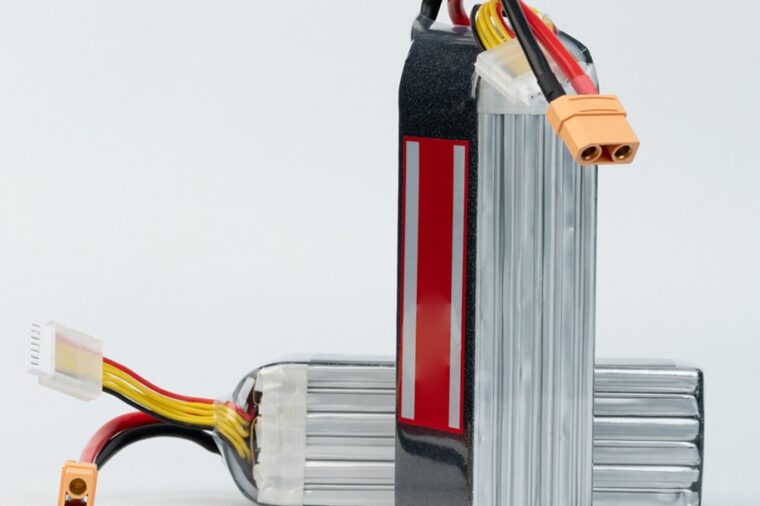
Configuring RoboClaw Battery Settings
How to configure RoboClaw battery voltage limits in Motion Studio using manual, cell count, or auto mode to protect your batteries from under and over voltage.

RoboClaw RC Controlled Differential Drive Setup
Set up a differential drive robot with a RoboClaw motor controller and an RC radio system: wire power and motors, connect the receiver, enable RC mode with mixing in Motion Studio, and test both channels.