
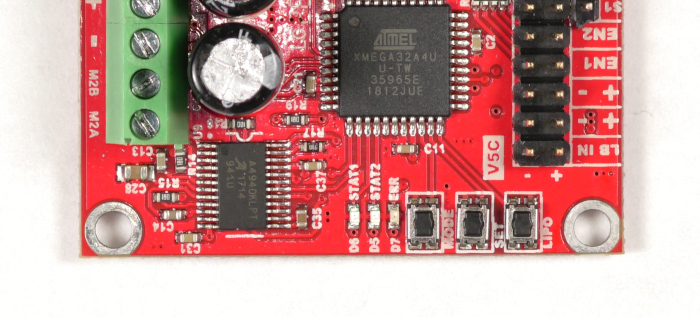
How to configure control mode, mode options, and battery cutoff settings on RoboClaw hardware revisions V5 and under using the onboard MODE, SET, and LIPO buttons, no computer required.

Encoders Explained
Encoders are a vital part of control systems in robotics. In this article we’ll be looking at the how, what and why surrounding encoders.

Simple Arduino Control of the RoboClaw
The Arduino is one of the most popular microcontroller platforms around due to its ease of use and large supportive community of users. Today we will look at simple example of using the Arduino to control a RoboClaw.

RoboClaw Advanced RC Options
The RoboClaw allows for simple and direct control with an RC system, yet there are options that allow for more fine grained control of your system. In this article we’ll be discussing these point by point.

RoboClaw USB Driver Manual Installation
This deprecated article covers manually installing the RoboClaw USB driver on Windows. Drivers are included in the Motion Studio installer, so this procedure is only needed if Windows does not recognize your controller over USB.
Configuring RoboClaw Battery Settings
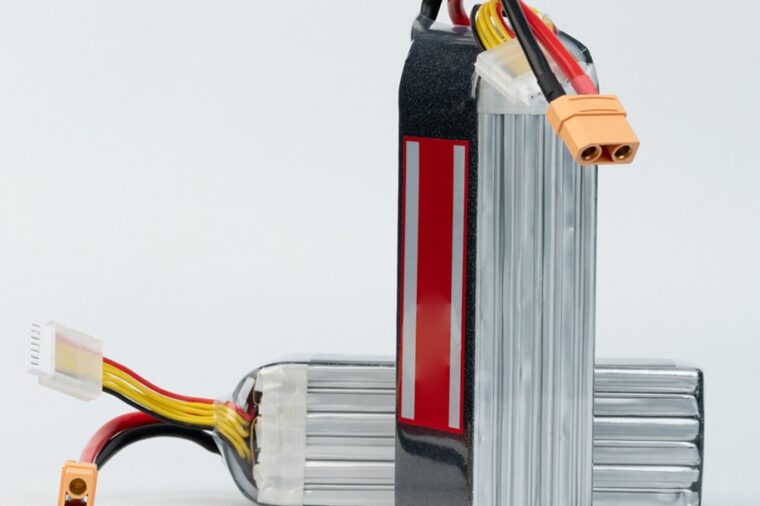
How to configure RoboClaw battery voltage limits in Motion Studio using manual, cell count, or auto mode to protect your batteries from under and over voltage.

RoboClaw RC Controlled Differential Drive Setup
Today we will be covering how to configure and wire the RoboClaw motor controller for one of the most common control and drive schemes in robotics. In this tutorial we will show how the RoboClaw can be used in a differential drive robot controlled via an RC radio system. This may be the final configuration for your robot or a step in testing your hardware, either way you’ll see that configuring the RoboClaw takes little time and effort.

RoboClaw Technologies
The RoboClaw motor controllers incorporate several key technologies. This article is design as a quick overview of some of these technologies.