
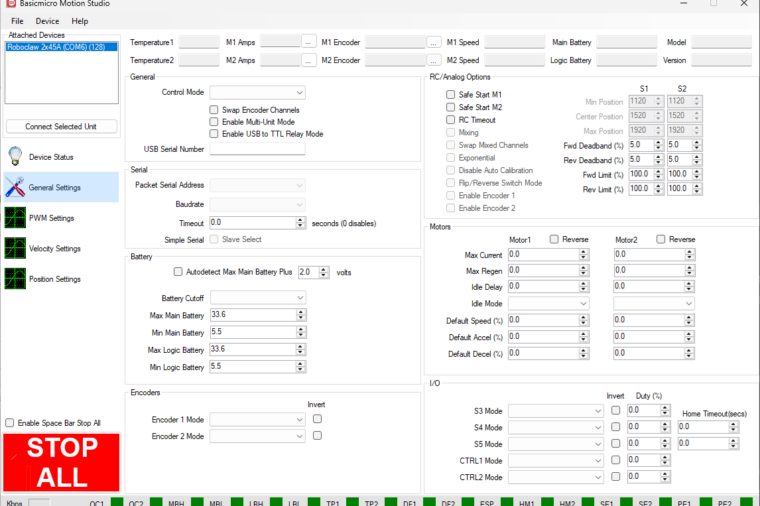
BasicMicro Motion Studio can be used to configure every aspect of the RoboClaw motor controller, and most settings live on the General Settings screen. This guide breaks down all seven panes, General, Serial, Battery, Encoders, RC/Analog Options, Motors, and I/O, and explains what every setting does.
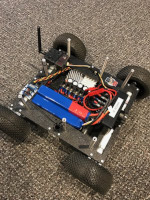
The G-Rover Robotic Camera Platform
This User Project article takes a look at a unique robotic platform for remote video and image acquisition.
The M1 Nerfbot
This User Project article takes a look at the M1 Nerfbot built by Joshua Clay. It’s a fun semi-autonomous robot built around a large rapid fire Nerf gun that’s controlled with a wireless XBox 360 controller.
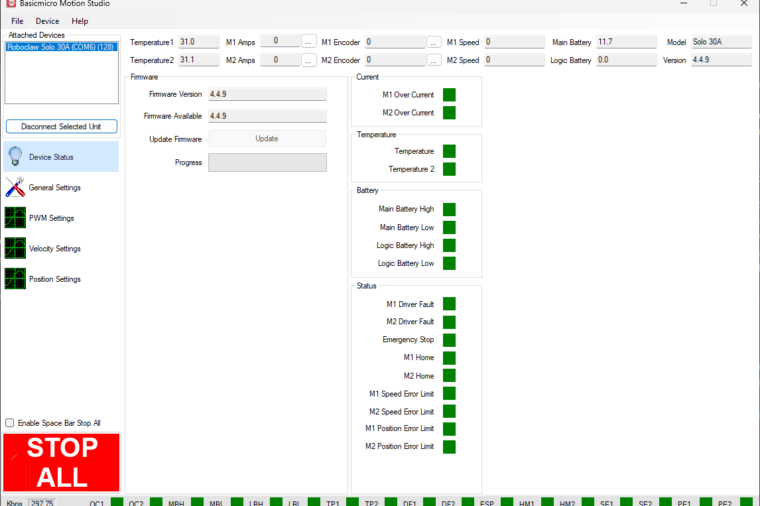
Introduction to Motion Studio
An introduction to BasicMicro Motion Studio, the Windows application used to configure, test and tune RoboClaw and MCP series motor controllers. The first article in a series, covering the layout and the most common operations.
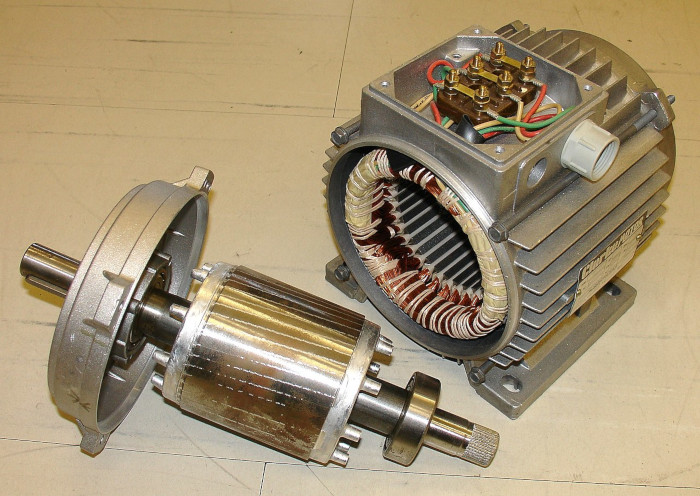
Understanding Motor Specifications
Motor specifications — voltage, current, speed, torque, and power — describe how a motor behaves and determine the battery and motor controller you need. This guide explains what each specification means and how to use the stall current to size a controller.
Using Encoders with the Arduino Library
This application note covers using the Basicmicro Arduino library to read, set, and reset the encoders attached to a RoboClaw motor controller, with a complete example sketch demonstrating every encoder function.
Using Encoders with the Python Library
This application note covers using the Basicmicro Python library to read, set, and reset the encoders attached to a RoboClaw motor controller from a Raspberry Pi 3, 4, 5, or Zero, with pip install instructions and a complete example script.
Using the RoboClaw Python Library
The RoboClaw Python library is now the Basicmicro Python library, installed with pip install basicmicro. This guide covers installing it, the pattern for using it in a script, a complete working example, and a reference for the most commonly used functions.
Using the RoboClaw Arduino Library
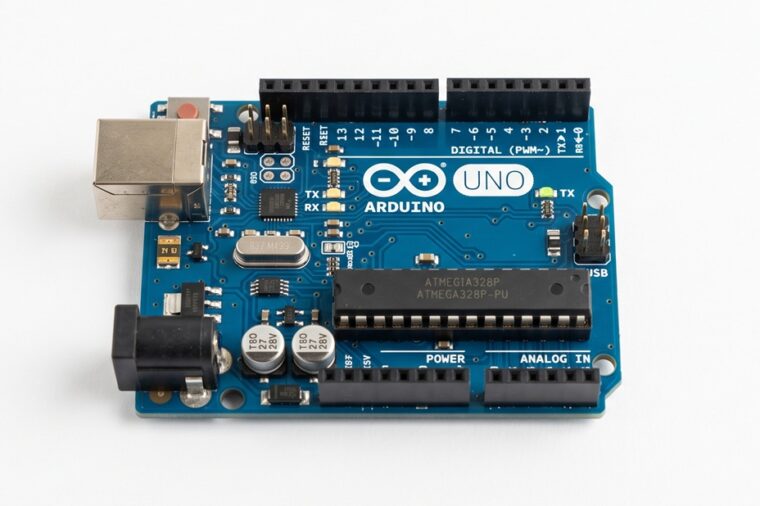
The RoboClaw Arduino library is now the Basicmicro Arduino library, available in the Arduino Library Manager. This article covers installing the library, the pattern every sketch follows, and the most commonly used functions for controlling RoboClaw and MCP motor controllers.

Packet Serial Bus Operation with the Raspberry Pi 3
Multiple RoboClaws can be used together for projects requiring more than one motor controller. This Application Note demonstrates the control of 4 RoboClaws by a Raspbery Pi using the packet serial control mode of the RoboClaw.